
Einstein Activity Capture is one of those Salesforce features that sounds like it should be relatively simple to enable.
You connect your email and calendar, configure the settings, assign the appropriate permissions, and Salesforce starts capturing activity.
At least, that’s the idea.
We recently worked on enabling Einstein Activity Capture for a group of Salesforce users. The configuration was completed, the appropriate permissions were assigned, and everything was validated in Production.
But there was still one important step remaining.
The users needed to authorize their mailbox connections.
And until that happened, the implementation wasn’t really finished.
This is a good example of something we see frequently in CRM projects. There’s a difference between enabling a feature and making sure it’s actually working for the people who need it.
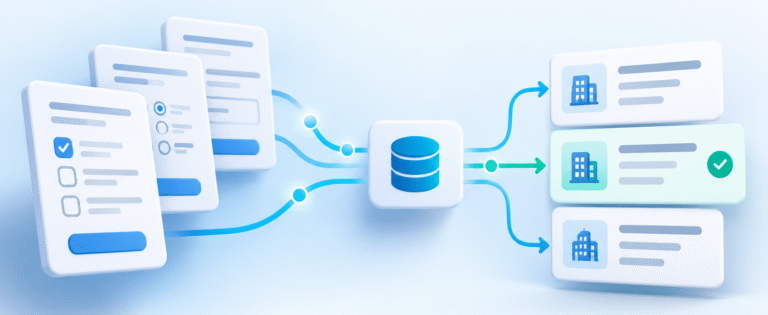
Einstein Activity Capture is designed to help reduce manual activity logging by connecting Salesforce with supported email and calendar systems. Depending on the configuration, it can help sales teams see relevant interactions without requiring reps to enter every activity manually.
That’s valuable, particularly for organizations where sales reps spend a significant amount of time communicating with prospects and customers.
But there are several things I’d recommend checking before considering the implementation complete.
First, make sure the right users have access to the feature and are included in the appropriate configuration. Just because Einstein Activity Capture is enabled in Salesforce doesn’t mean every user is configured to use it.
Second, verify that users have successfully connected their email and calendar accounts. This often requires action from the individual user, and it’s easy for that step to get overlooked.
Third, test whether the expected activities are actually appearing in Salesforce. Don’t assume that because the configuration looks correct, the capture process is functioning as intended.
And finally, understand how the captured activity is stored and made available for reporting. Einstein Activity Capture has important differences from traditional Salesforce Tasks and Events, and those differences can affect reporting, automation, and data retention.
That last point is especially important if leadership expects to build dashboards around sales activity.
Turning on activity capture doesn’t automatically mean you have all the activity data you need for reporting.
Before rolling it out broadly, make sure you understand what will be captured, where it will be available, and whether it supports your reporting requirements.
Like most CRM features, Einstein Activity Capture can be useful when it’s implemented thoughtfully.
But the project isn’t finished when the settings are saved.
It’s finished when users are connected, the activity is being captured as expected, and the business can actually use the information.