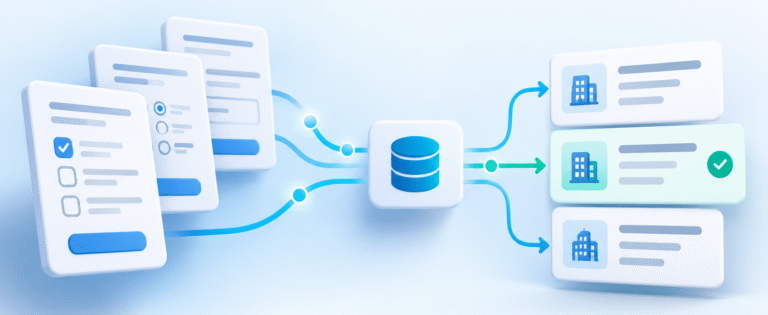
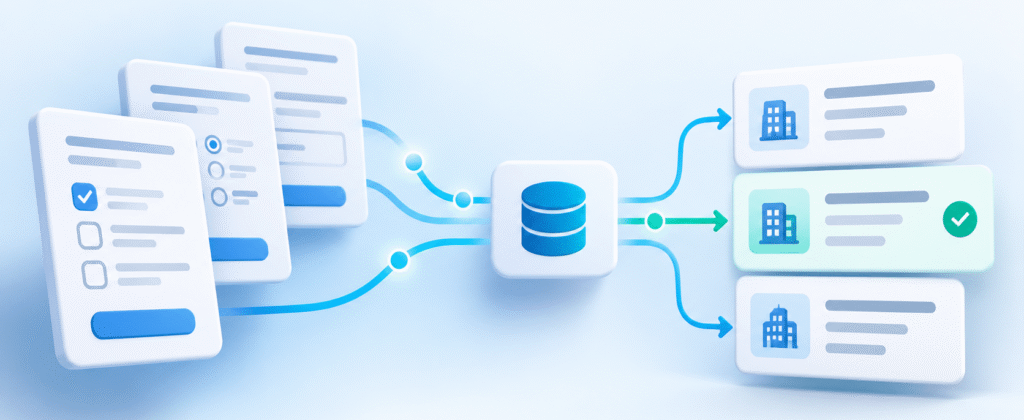
One of the most common gaps I see in CRM implementations happens after a deal is won. Sales has spent weeks or months working an opportunity in Salesforce, collecting information about the customer, defining the scope of work, and negotiating the agreement. Then the deal closes, and someone has to get all that information over to the team responsible for delivering the project.
Often, that handoff happens through an email, a spreadsheet, or a combination of both. Someone from Sales fills out a document, attaches the Statement of Work, and sends everything to the project delivery team. The delivery team then creates a project in Asana, Monday.com, or another project management platform and manually enters much of the same information.
This is a natural opportunity for automation. If the information already exists in Salesforce, why not automatically create the project and pass the relevant details to the delivery team?
The technology to do this is readily available. Salesforce Flow can identify when an Opportunity is ready for delivery, and integration tools like Make.com or Zapier can create the corresponding project in another system. But as with most CRM automation projects, the technical connection is usually the easy part.
The more interesting challenge is defining exactly how the handoff should work.
Not Every Closed Won Opportunity Should Create a Project
The obvious starting point is to create a project whenever an Opportunity moves to Closed Won. That sounds logical until you look more closely at how the company uses Opportunities.
A business might have Opportunities for new projects, contract renewals, change orders, startup agreements, and other commercial activities. All of those might legitimately reach Closed Won, but they don’t necessarily require the same action from the project delivery team.
If you simply trigger the integration whenever an Opportunity closes, you risk creating projects that nobody needs. You might also miss projects that should be created because the underlying Opportunity doesn’t meet a filter someone added months earlier.
This is where I think it’s important to separate the business logic from the integration itself.
Rather than making the integration figure out which Opportunities qualify, I prefer to have Salesforce make that decision. For example, we can create a checkbox on the Opportunity called Create Project and use a Salesforce Flow to set that field based on the company’s actual business rules.
The integration then has a very simple job: find Opportunities where Create Project is checked and create the corresponding project.
That approach makes the process easier to understand and maintain. If the company changes its rules about which Opportunities require projects, we can update the Salesforce logic without having to redesign the integration.
Make Sure the Project Only Gets Created Once
Another issue that comes up surprisingly often is duplicate project creation.
Most integration tools run on a schedule or respond to record changes. If an Opportunity continues to meet the criteria every time the integration runs, there’s a risk that the same project gets created more than once.
A simple way to manage this is to add a second checkbox to Salesforce called Project Created. The integration looks for Opportunities where Create Project is TRUE and Project Created is FALSE. Once the project has been successfully created, it updates Salesforce to indicate that the work is complete.
I also like to store the external Project ID on the Salesforce Opportunity. That gives us a direct connection between the two records and makes it easier to troubleshoot issues later.
Of course, we still need to consider what happens if the project is created successfully but the integration fails before Salesforce is updated. A reliable integration should be able to recognize that the project already exists rather than blindly creating another one.
These aren’t particularly complicated concepts, but they’re easy to overlook when the initial goal is simply to get two systems talking to each other.
The Handoff Is About More Than Creating a Project
Once the project creation is working, the next question is what information should come across.
This is where the project delivery team needs to be involved. Sales may have dozens of fields on the Opportunity, but that doesn’t mean every field belongs in the project management system.
The delivery team might need the customer contact, project scope, expected start date, target milestones, budget, geographic coverage, and a link to the signed Statement of Work. They may also need information that Sales doesn’t currently capture in a structured way, such as the customer’s time zone or the person responsible for implementation.
The first step should be to agree on the information required for a successful handoff. Then we can review which fields already exist in Salesforce, which fields need to be added, and how they map to the project management platform.
Sometimes the same information exists in both systems but has a different name. Other times, the destination system doesn’t have a field to receive the information. Those are manageable problems, but they need to be identified before we start building mappings.
I also prefer linking to documents rather than unnecessarily copying files between systems. If the signed Statement of Work is stored in Google Drive or SharePoint, a link on the Salesforce Opportunity can be passed to the project. That gives the delivery team access to the document without introducing another version that could become outdated.
Test the Exceptions Before You Turn It On
It’s relatively easy to test an integration with a perfectly configured Opportunity. Set the right fields, move the Opportunity to Closed Won, and watch the project appear.
But the more valuable tests involve the exceptions.
What happens when a Closed Won Opportunity isn’t supposed to create a project? What happens when a required field is missing? What if someone changes the Opportunity after the project has been created? What happens if the integration runs twice or fails halfway through?
I’d also want a way to identify Opportunities that should have created projects but haven’t. A simple Salesforce report showing eligible Closed Won Opportunities where Project Created is still FALSE can be incredibly useful.
That gives the team visibility into the process without requiring someone to log into Make.com or another integration platform to investigate.
Simplify the Handoff Before You Automate It
The goal of this type of integration isn’t simply to eliminate a spreadsheet or save someone a few minutes of data entry. It’s to make the transition from Sales to project delivery more reliable.
When the process works well, the delivery team receives the right project, with the right information, at the right time. Sales doesn’t need to re-enter information it has already collected, and everyone can see whether the handoff has happened.
But that only works when the company has clearly defined which deals require projects, what information the delivery team needs, and how exceptions should be handled.
Before you automate the handoff from Sales to delivery, simplify the handoff itself. The integration should support a process everyone understands, not compensate for one that nobody has fully defined.