
5 Questions to Ask Yourself Before Migrating to a New CRM

Smiling man thinking in a suit holds a pen at a desk with a laptop, looking right.

5 Questions to Ask Yourself Before Migrating to a New CRM

Migrating to a new CRM can feel like moving to a new house. It is exciting, but also stressful and easy to get wrong. When handled with proper planning, the move becomes an opportunity for cleaner data, smoother workflows, and better reporting. When handled poorly, the result is missing history, broken integrations, and confusion. Below are the five most important questions to ask before beginning a CRM migration so you can approach the process with clarity.

What Is Broken or Limiting in Your Current System?
Before choosing a new CRM, look closely at what is not working in your current one.
• Is the data messy or inconsistent
• Are your workflows causing bottlenecks
• Do you lack important integrations
• Is reporting unreliable or unclear

An honest audit will help you avoid repeating the same problems during the migration.

What Does the Ideal CRM Look Like for Your Team?
Define what your perfect CRM must be able to do.
• What fields, stages, and workflows do you need
• Which dashboards are most valuable
• What integrations are required now and in the next year
• How will you maintain data hygiene going forward

If you do not define this vision, the new CRM may end up feeling just as limited as the old one.

How Will You Preserve History and Relationships?
A CRM is most useful when contact history, activity logs, deal information, and relationships stay intact.
• Map out how contacts, deals, and companies relate to one another.
• Ensure date fields, lifecycle stages, and notes transfer correctly.
• Understand how custom objects or custom fields will behave in the new system.
• Plan for a phased approach instead of switching everything overnight.

How Will You Train and Onboard the Team?
Migration fails when the team does not know how to use the new system.
• Decide who is responsible for entering data.
• Provide documentation and training so everyone knows the correct process.
• Share the reason for the migration so the team supports adoption.

Do You Have a Backup or Rollback Plan?
Before you move anything, create a protection plan.
• Export or back up the existing CRM data.
• Perform test migrations using small batches of data.
• Validate everything before fully going live.
• Set up ongoing governance to catch errors early.


A CRM migration is not just a technical switch. It is a strategic reset that can dramatically improve how your business uses information. Asking these five questions before you migrate will save you time, money, and frustration. If you are preparing for a migration or thinking about it, reach out for a guided plan that protects your data and sets your team up for success.


Picture of Scott Ferrebbe Founder of Lighthill CRM in a light blue shirt and dark blue blazer with the top two buttons of the shirt unbuttoned revealing a white undershirt

The 3 best ways I can help you right now...

  1. Click here to schedule a call with one of our CRM Specialists.
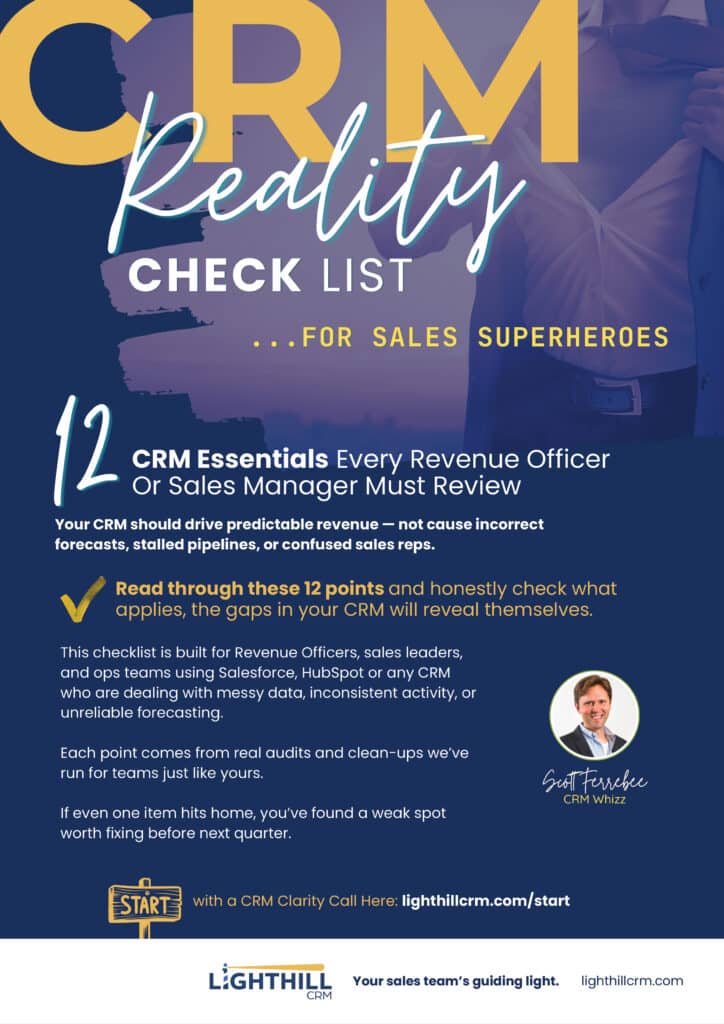
  2. Click here to download our CRM Reality Checklist for Sales Superheroes
  3. Follow me on LinkedIn for exclusive tips, how-tos, resources, etc.

Share:

Facebook
Threads
X
LinkedIn
Email

More content...

Abstract data flow diagram: scattered inputs converge into yellow, cyan, and purple output streams.

Seamlessly Migrating CRMs and Marketing Automation Systems

Migrating your CRM or marketing automation platform is more than a technical change. It is an opportunity to improve how your team works, how data flows, and how customers are engaged. When done right, a migration creates clarity instead of disruption. The first step is knowing your goal. Are you trying to unify sales and marketing data, improve automation, or scale reporting as your business grows? Clear goals guide every decision and prevent old problems from being carried into a new system. Before any data moves, it needs attention. Duplicates, outdated records, and inconsistent fields slow teams down and reduce trust in the system. Cleaning and organizing your data ahead of time ensures the new platform starts strong and stays reliable. Careful data and workflow

Read More »
Analytics dashboard UI with line, radar, and donut charts plus a November calendar.

Understanding Key Sales and Marketing Terminology: Marketing Qualified Lead (MQL), Sales Qualified Lead (SQL), and Sales Accepted Lead (SAL)

In the dynamic world of sales and marketing, precise terminology is crucial for effective communication and collaboration between teams. Three key terms that often arise in this context are Marketing Qualified Lead (MQL), Sales Qualified Lead (SQL), and Sales Accepted Lead (SAL). In this blog post, we’ll delve into the definitions of these terms and explore their significance in the sales and marketing process. 1. Marketing Qualified Lead (MQL): Definition: A Marketing Qualified Lead (MQL) is a prospect who has indicated interest in a company’s products or services based on marketing efforts or engagement activities. Characteristics: Significance: 2. Sales Qualified Lead (SQL): Definition: A Sales Qualified Lead (SQL) is a prospect who has been vetted by the sales team and deemed ready for direct sales

Read More »
Customer journey flow: Attract → Engage → Win → Retain → Expand; man cheering at bottom left.

Navigating Growth: Key Metrics for Series A Companies to Track in HubSpot

As a Series A company embarks on its journey to scale and establish a strong market presence, leveraging the right tools and metrics becomes paramount. HubSpot, a leading customer relationship management (CRM) platform, offers a suite of tools designed to streamline marketing, sales, and customer service efforts. In this blog post, we’ll explore the key metrics that Series A companies should track in HubSpot to drive growth, optimize performance, and enhance customer engagement. 1. Lead Generation Metrics: Lead generation is the lifeblood of any growing business. Series A companies should closely monitor the following metrics in HubSpot to gauge the effectiveness of their lead generation efforts: 2. Sales Performance Metrics: With HubSpot’s sales tools, Series A companies can streamline their sales processes and drive revenue

Read More »
Hand drawing a network of connected team icons around “sales force.”

Maximizing Sales Potential: Why Creating an Opportunity in Salesforce Upon Booking a Meeting Is Essential

In the fast-paced world of sales, every interaction counts. Whether it’s a cold call, an email exchange, or a booked meeting, each touchpoint represents a potential opportunity to drive revenue and foster lasting relationships with customers. One crucial step in this process is the seamless integration of these interactions into a robust Customer Relationship Management (CRM) system like Salesforce. When it comes to booking meetings, many sales professionals may overlook the importance of immediately creating an Opportunity in Salesforce. However, doing so can provide a myriad of benefits that ultimately contribute to improved efficiency, enhanced collaboration, and increased sales success. Let’s delve into why creating an Opportunity upon booking a meeting is not just a good practice but an essential one: In conclusion, the decision

Read More »

3 easy steps to a CRM you can trust

Success Call

Share what’s broken and what “good” looks like.

Plan & Build

Get a simple plan to fix processes, data, and connections.

Launch & Win

Go live, trust your dashboards, and hit your numbers.

You’ll move from CRM chaos to predictable performance with one clear source of truth.

Trust your dashboard.
Lead with confidence.

Pick a time that works for you, and get a simple plan to make your CRM match reality.

Complete the form and we’ll get you scheduled for a CRM Success Call.

THANK YOU!

Click on the PDF below to download

Thank You!

We have your message and one of our CRM Specialists will get back to you shortly.