Tracking Sales Velocity in Salesforce
One of the first metrics I pull in any Salesforce I start in, and a metric I regularly revisit in orgs I’ve been working in for some time, is Sales Velocity. Sales Velocity = Number of Opportunities × Average Deal Size × Win Rate × Sales Cycle Length Typically, in any newish company’s Salesforce org these numbers are all over the board – […]
Campaign Influence in Salesforce

I often get asked to ‘show the ROI’ of various marketing Campaigns in a Salesforce from an organization that, up to this point, hasn’t put in the rigor to actually track influence on Opportunities through their sales funnel. I’m going to detail here basic steps to implement now so that you start tracking the ROI […]
Matching Leads to Accounts in Salesforce
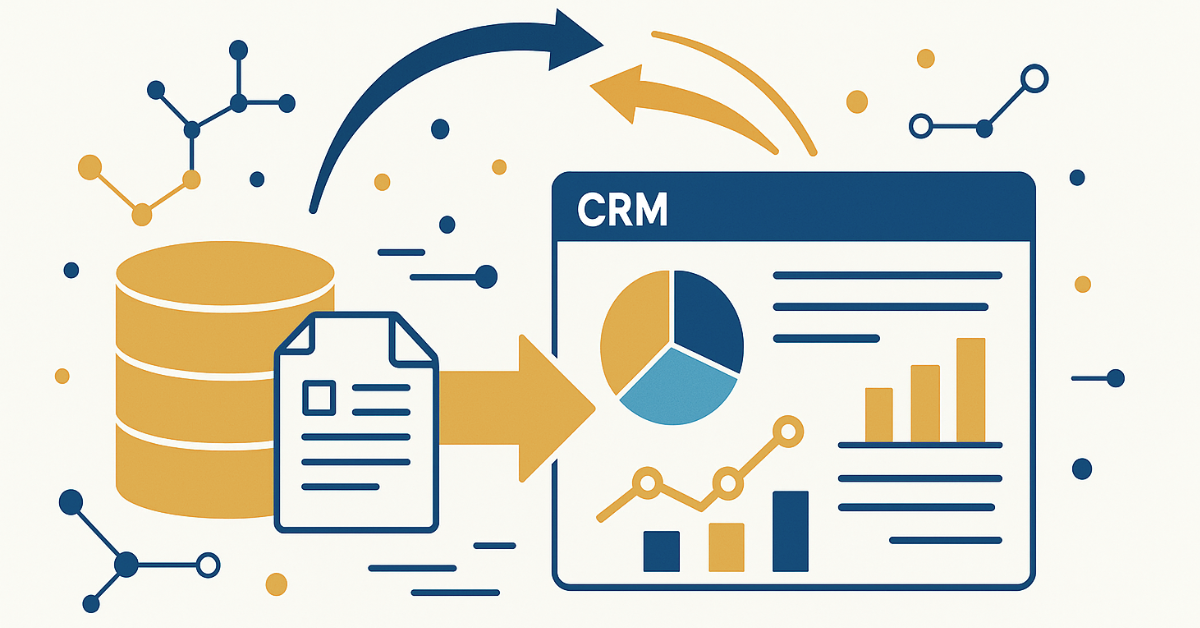
If you’re using Leads and Contacts in Salesforce it can be a bit hard to track all people at the Account level – there’s no native matching of Leads to Accounts in Salesforce. Implementing Lead to Account matching in Salesforce is pretty easy, though – here are the steps: First, create a ‘domain’ formula field […]
Using Formula Fields to Group Data in Salesforce
A common ask I get in Salesforce is how to group data based on it’s characteristics – for example grouping random Industries into tighter categorizations or grouping people’s Job Titles into defined ‘Personas’. This makes it simpler to analyze and target your data – instead of dealing with disparate Industry or Job Title values users […]
How to automatically attach new Notes & Attachments to related records in Salesforce:
Here’s the requirement: when a new Note & Attachment is added to a child record automatically associate it with a related record, too. In this case we’re using PandaDoc on the Order object – when the PandaDoc is completed the Order is automatically ‘Released’ and when the Order is released the completed PandaDoc should attach […]
Daisy Chain to SalesLoft and Outreach

A super common ask I get is how to move a person from marketing automation (Hubspot, Marketo, Apollo) over to a SalesLoft Cadence or Outreach Sequence. Typically the goal is: the person takes some action based on marketing automation emails so this action should result in the person moving to a Cadence or Sequence – […]
Purging Records in Marketo with Salesforce

Anyone who manages a Marketo knows they bill based on volume of records in the system so there’s a constant battle to keep the number of records under the billing cap while still keeping any potential leads available for marketing. Way back in the day I used to just export the inactive records to csv […]
Implementing a Sales Process in Salesforce
I’m regularly asked about implementing a sales process in Salesforce so I’ll add my notes and a fairly standard sales process in Salesforce below. First – Leads or Contactcs? In my opinion, it doesn’t really matter. You can map Leads to Accounts (using Email Domain/Domain) so both Leads and Contacts are always linked to Accounts. […]
Custom integrations with Salesforce

I’ve been asked three times in the last six months for suggestions on integrating home-grown, thrid-party tools with Salesforce. These are systems completely separate from the Salesforce ecosystem where you’re going to be building something custom. A few years ago we used this architecture to integrate a third party payment system with Salesforce and it […]
Product Revenue Schedules for Renewals in Salesforce
In lots of the Salesforce orgs I’ve worked in over the years the renewal process is managed through Opportunties. When a new business Opportunity is Closed/Won a Renewal Opportunity is automatically generated and the Account Manager (or CSM) is responsible for managing the renewal. This is typically on an annual renewal basis – and you […]